
What the new video overview does
NotebookLM now turns your selected sources into a polished explainer video with an AI voice, narration, and visuals — all in minutes. This isn’t a short audio clip or a dry text summary. It generates a full explainer sequence that condenses long content into something easy to watch and share.
How it works, step by step
The process is straightforward and surprisingly flexible. Here’s the typical workflow I use:
- Create a notebook and add sources. Drag in PDFs, paste text, link YouTube videos, or import documents from Google Drive. NotebookLM will only use sources you provide; it won’t search the web for you.
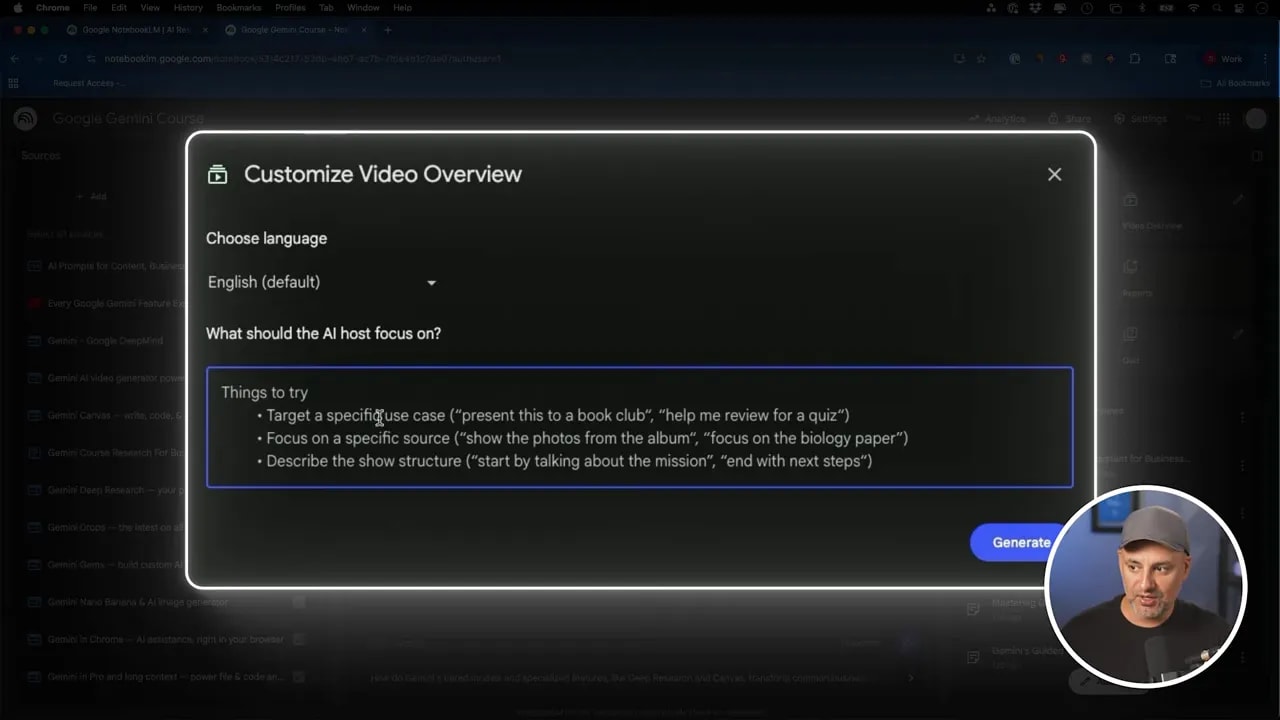
- Open the video overview tool (it lives in the notebook interface) and click the pencil icon to customize options like language, focus, and structure.
- Optionally set a target use case or ask it to focus on a specific source. For example: help me review for a quiz or focus on competitor analysis.
- Click Generate. The system will parse your sources and build an explainer video. Generation takes a few minutes, depending on the amount of content.
- Preview, rename, download, share by email, or regenerate until it fits your needs.
Practical use cases that actually save time
I tested three workflows that show how useful this can be across teaching, business, and research.
1. Course supplements and lesson summaries
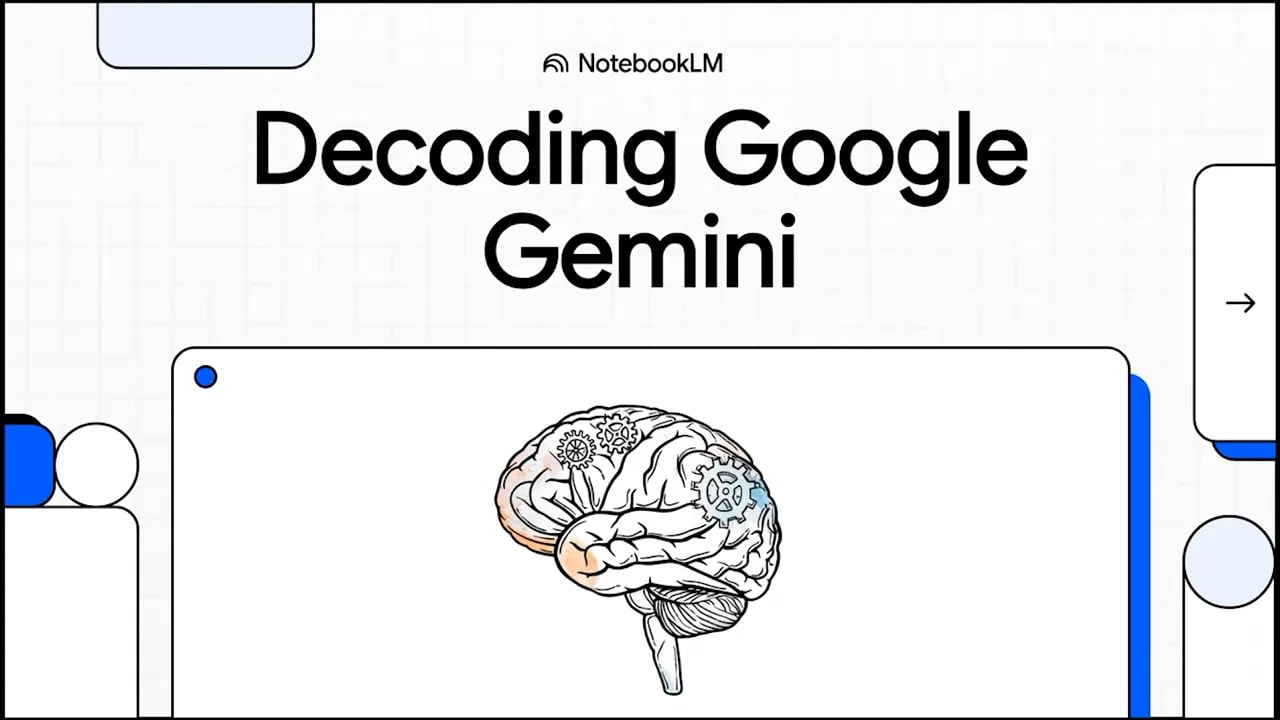
If you teach or create courses, video overviews make quick consumable assets. I fed NotebookLM a two-hour course and a few supporting docs. The output was an eight-minute explainer that picked the right highlights and narrated them clearly. Use this as a recap, pre-class primer, or bonus asset for students who prefer watching over reading.
2. Business reports and executive summaries
Annual reports and market research are dense. Upload a long financial report and ask for a professional overview focused on market trends or competitor analysis. The tool can extract key metrics, highlight revenue and profit swings, and present takeaways in a format you can email to stakeholders or embed in internal docs.
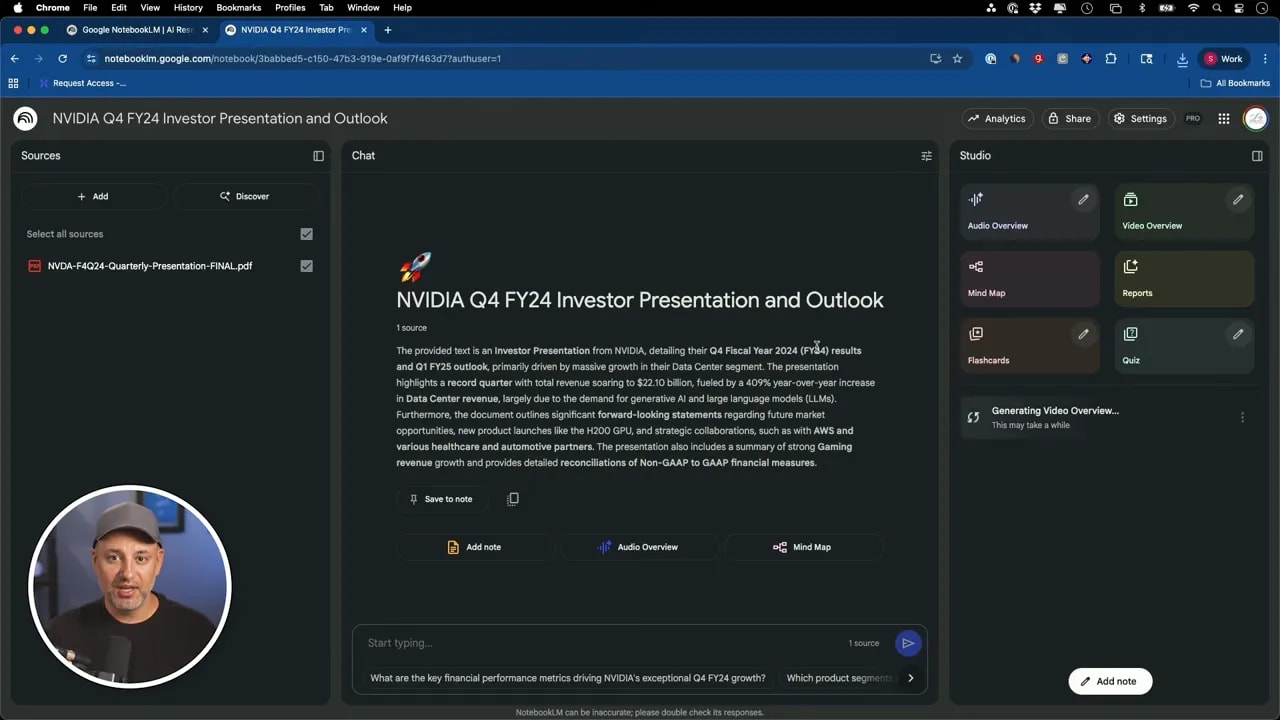
For example, a generated segment highlighted Nvidia’s blowout results and translated percentages and revenue into plain insights that are easy to share with nontechnical teams.
3. Research synthesis for students and marketers
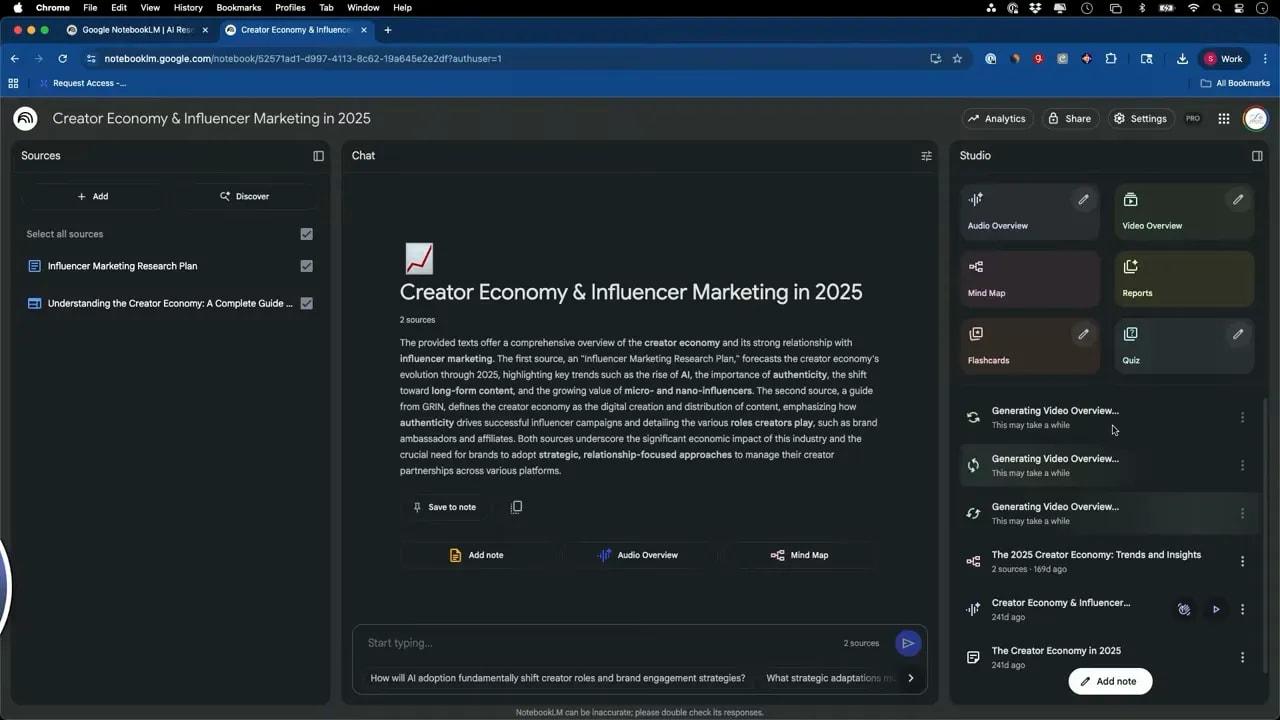
Long research papers intimidate many learners. NotebookLM accepts very large sources — up to 500,000 words per source and up to 50 sources per notebook — then crafts an explainer tailored to your audience. I asked for a beginner-friendly breakdown of the creator economy and got a clear, structured explainer that covered what the creator economy is, how creators make money, brand playbooks, and future trends.
Tips for better, faster videos
- Be explicit about your audience. If you need a beginner-level breakdown, tell it. Otherwise the summary might assume prior knowledge from your sources.
- Focus on specific sources when necessary. If you uploaded many files but only want one YouTube video summarized, instruct it to use just that source.
- Use the structure field. Changing the structure helps the tool format the explainer for different purposes: quiz prep, executive briefing, or a classroom explainer.
- Iterate quickly. If the first pass isn’t perfect, delete and regenerate with small changes. It takes only a few minutes per run.
- Download and share. Outputs are downloadable and can be shared directly from the notebook by email, which makes distribution simple.
Other learning features to pair with video overviews
NotebookLM isn’t just about generating videos. It also offers one-click flashcards and customizable quizzes that make learning stick.
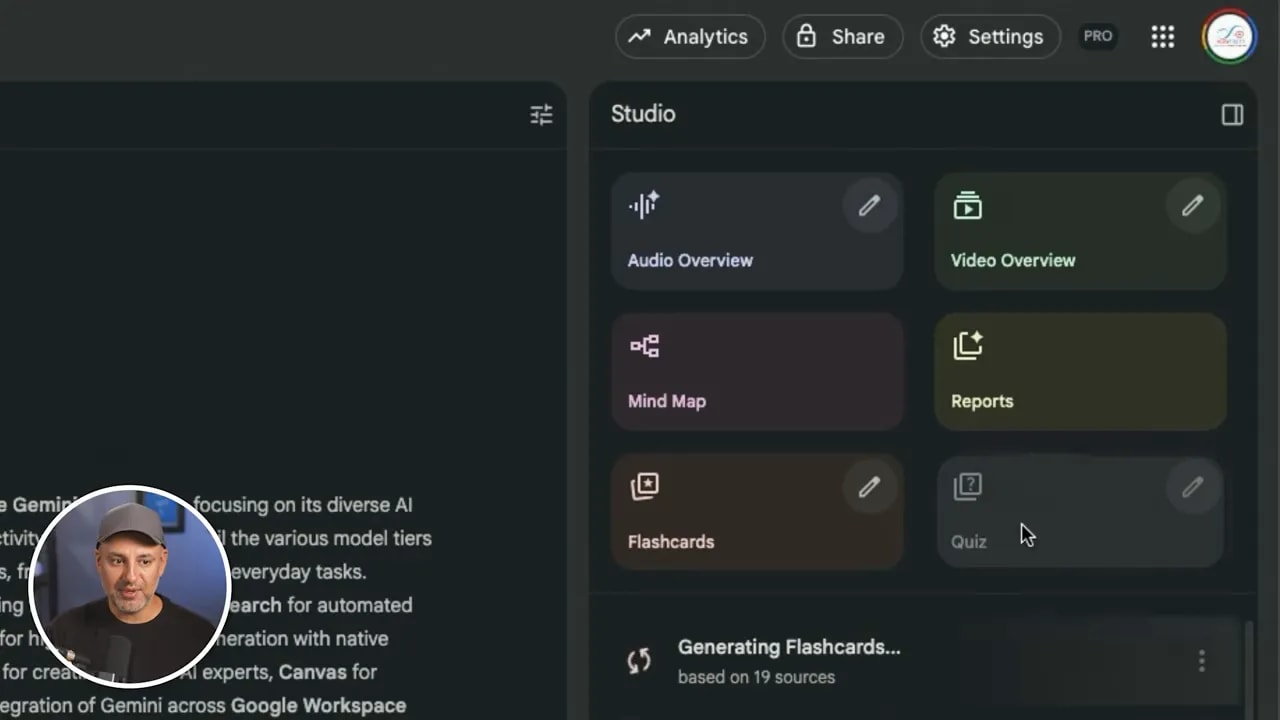
Flashcards are a fast way to turn source material into reviewable cards. Quizzes let you control difficulty and question count and are great for testing students or validating your own understanding of a topic. Pair a video overview with flashcards and a short quiz to build a complete learning module in minutes.
Who benefits most
This feature is especially helpful for:
- Educators and course creators who want quick summaries and supplemental assets.
- Business teams that need executive summaries of long reports and competitive insights.
- Students and researchers who want approachable explainers of dense material.
- Marketers and creators who need short, sharable explainers based on multiple content sources.
Limitations and privacy considerations
NotebookLM will only use the sources you upload or link. It does not crawl the public web for additional content. That is helpful for privacy and control, but it means thorough sourcing is your responsibility. Also, while the AI narration and visuals are impressive, it’s wise to check facts and figures in the final output before sharing widely.
Quick checklist to get started
- Create a notebook and add your primary sources.
- Open the video overview tool and set language and audience level.
- Pick specific sources or leave blank to let the system choose highlights.
- Generate, review, and refine until the explainer matches your goal.
- Download or share the finished video and pair it with flashcards or quizzes if needed.
Final thoughts
Turning long documents, multiple videos, and dense research into a single, shareable explainer is now a fast, repeatable process. Whether you need a classroom-ready summary, an executive briefing, or a beginner-level explainer on a complex topic, the combination of video overview plus flashcards and quizzes makes NotebookLM an efficient content workflow. Try starting with one notebook, experiment with the customization options, and build a short library of explainer assets you can reuse across courses, meetings, and presentations.